> For the complete documentation index, see [llms.txt](https://help.aristotlemetadata.com/llms.txt). Markdown versions of documentation pages are available by appending `.md` to page URLs; this page is available as [Markdown](https://help.aristotlemetadata.com/administrator-tasks/aristotle-cloud-settings-editor/adjusting-download-options.md).
# Adjusting download options
{% hint style="info" %}
Download options can only be adjusted by an Administrator.
{% endhint %}
Download options can be used to adjust options related to registry downloads.
### How to adjust download options
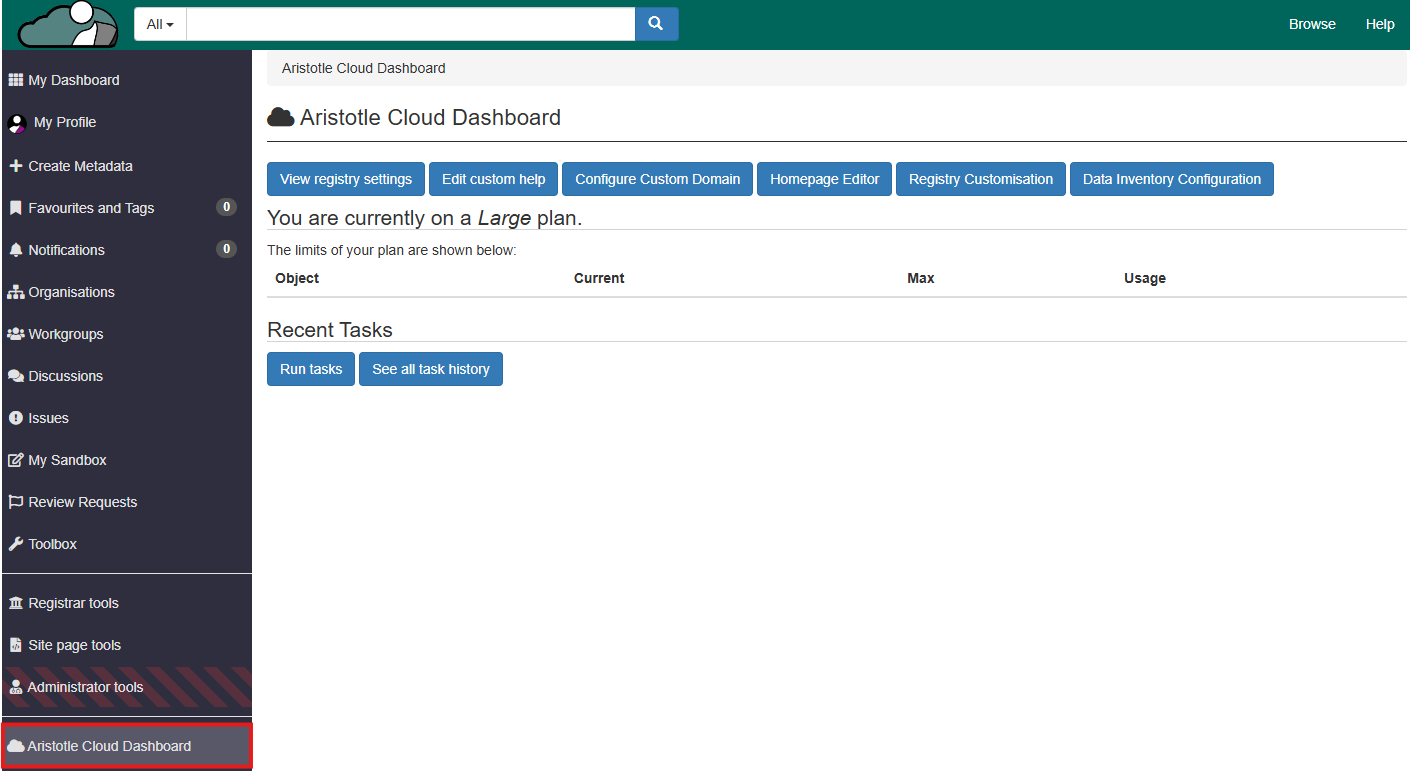
1. Select 'Aristotle Cloud Dashboard' from the dashboard side panel.
2. Select 'View registry settings'.
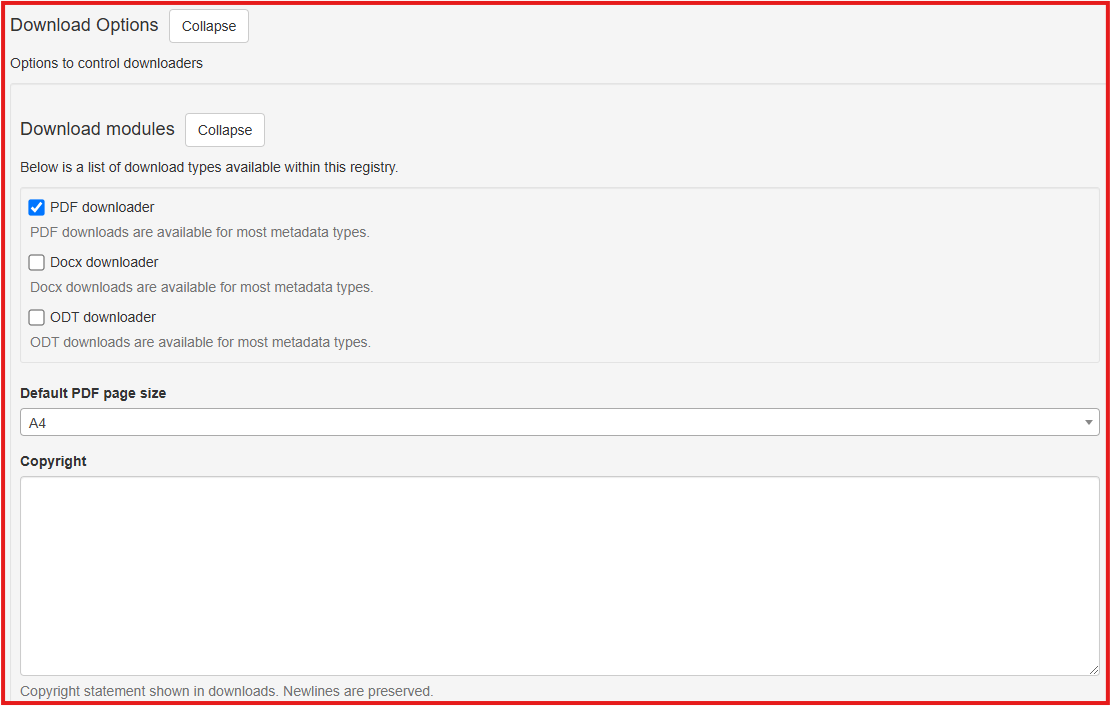
3. Under the appropriate subheadings, you may adjust the following:
* 'Download modules': The download types available within the registry
* 'Default PDF page size': The default page size used for PDF files
* 'Copyright': The Copyright statement shown in downloads.