> For the complete documentation index, see [llms.txt](https://help.aristotlemetadata.com/llms.txt). Markdown versions of documentation pages are available by appending `.md` to page URLs; this page is available as [Markdown](https://help.aristotlemetadata.com/administrator-tasks/aristotle-cloud-settings-editor/toggling-summary-statistics.md).
# Toggling summary statistics
{% hint style="info" %}
Summary statistics can only be toggled by an Administrator.
{% endhint %}
Summary statistics are aggregates of unit-record data, such as an average, sum, most common value or uniqueness metric extracted from metadata distributions. They can be toggled on or off in registry settings.
### How to toggle summary statistics
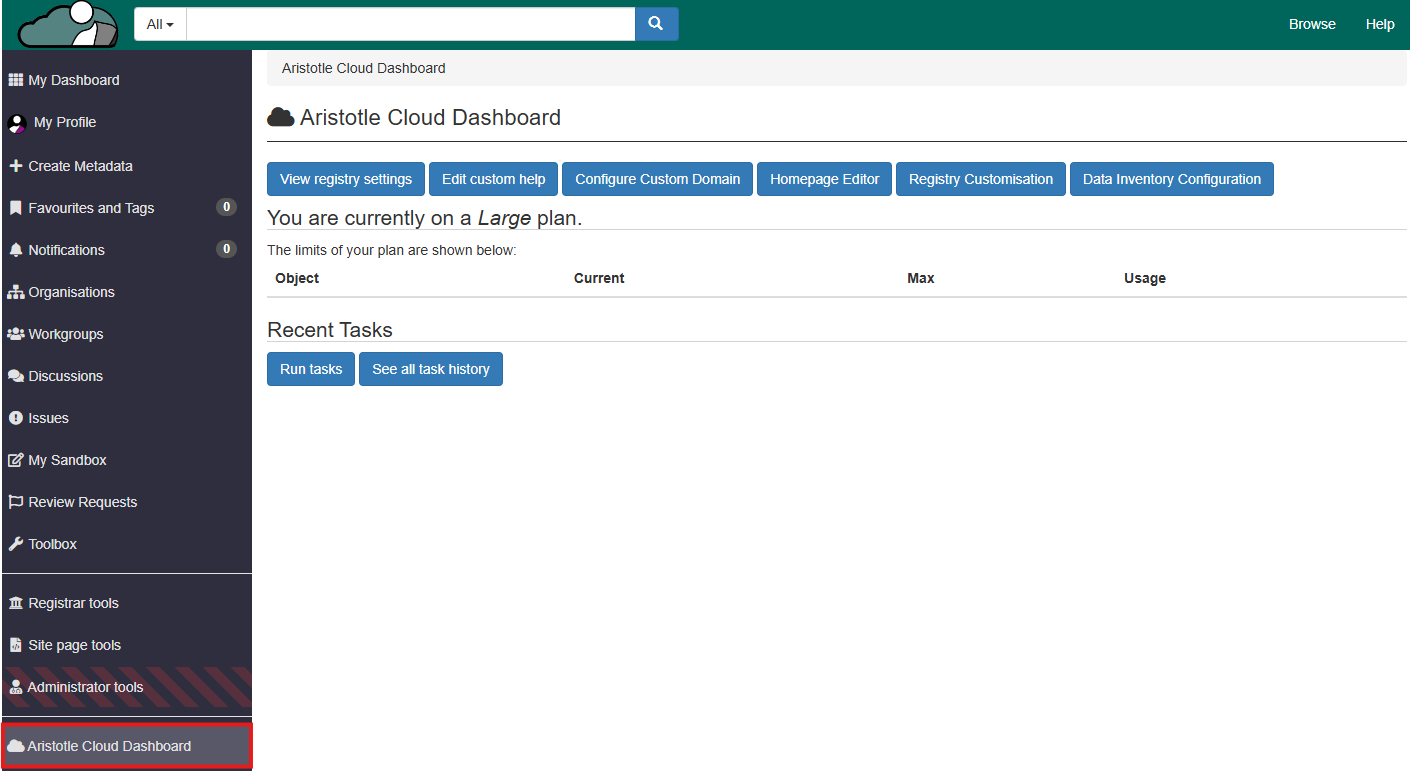
1. Select 'Aristotle Cloud Dashboard' from the dashboard side panel.
2. Select 'View registry settings'.
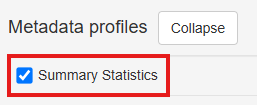
3. Navigate to the 'Metadata profiles' subheading, and enable or disable 'Summary Statistics'.
**Note:** The 'Summary Statistics' tab will appear on the item pages of distribution metadata item types (below) when the option is enabled in registry settings.