# Resolving issues with search using reindex
{% hint style="info" %}
The reindex task can only be run by an Administrator.
{% endhint %}
The reindex function can be used to automatically resolve issues with the Aristotle Metadata Registry's search function.
### How to resolve issues with the search function using reindex
**Note:** It is not recommended to run a reindex task during periods of high usage, as an ongoing reindex task can slow down registry load times.
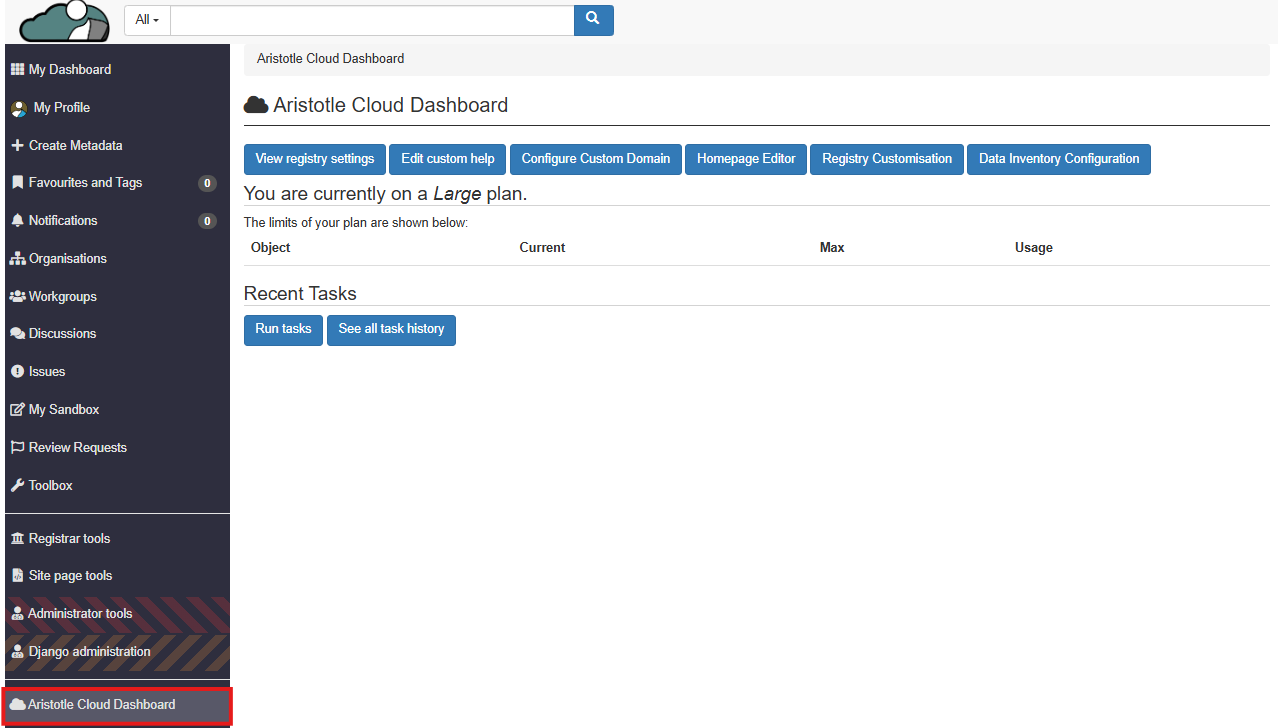
1. Select 'Aristotle Cloud Dashboard' from the left side panel.
2. Select 'Run tasks'.
3. Select 'Reindex'.
4. Wait for the recent task history to show that the reindex task has succeeded, then retry search.
**Note:** A successful reindex will also display the amount of items of each item type that are now searchable under the Result column.