> For the complete documentation index, see [llms.txt](https://help.aristotlemetadata.com/llms.txt). Markdown versions of documentation pages are available by appending `.md` to page URLs; this page is available as [Markdown](https://help.aristotlemetadata.com/creating-and-editing/object-class-specialisation.md).
# Object Class Specialisation
Object class specialisation is grouping various object classes that are related. It is a collection that gather sets of related object classes to aid discovery and navigation. All object classes that describe the same features are gathered together in property groups. Each object class in the registry will be assigned to one specialisation. For example, Specialisation named “Person-party” will have the object classes that are related to a person or organisation like Customer, Client, Child etc.
### Object Class Specialisation Functionalities:
* These groupings allow the categorisation of the objects in the Aristotle Registry.
* These groups play a vital role in the Business information model of an organisation.
### How to create object class specialisation in Aristotle registry
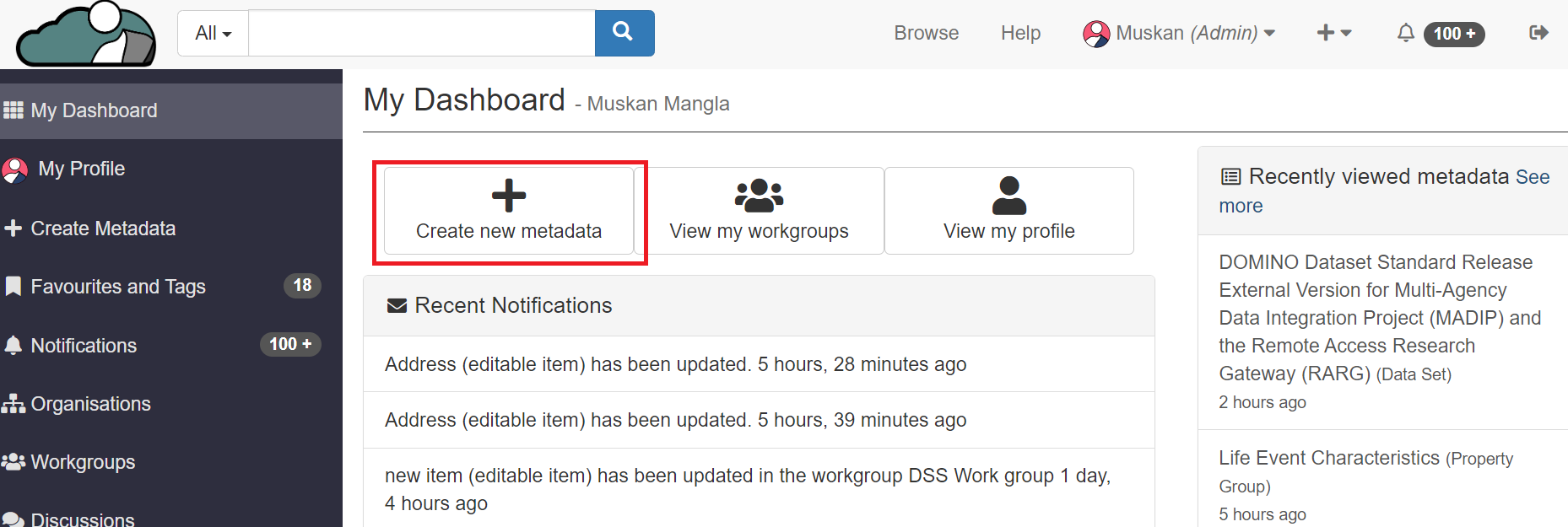
1. From the "My dashboard", Click on "Create metadata".
2. Scroll Down to Onology section, under Object class specialisation tab, Click on "create".
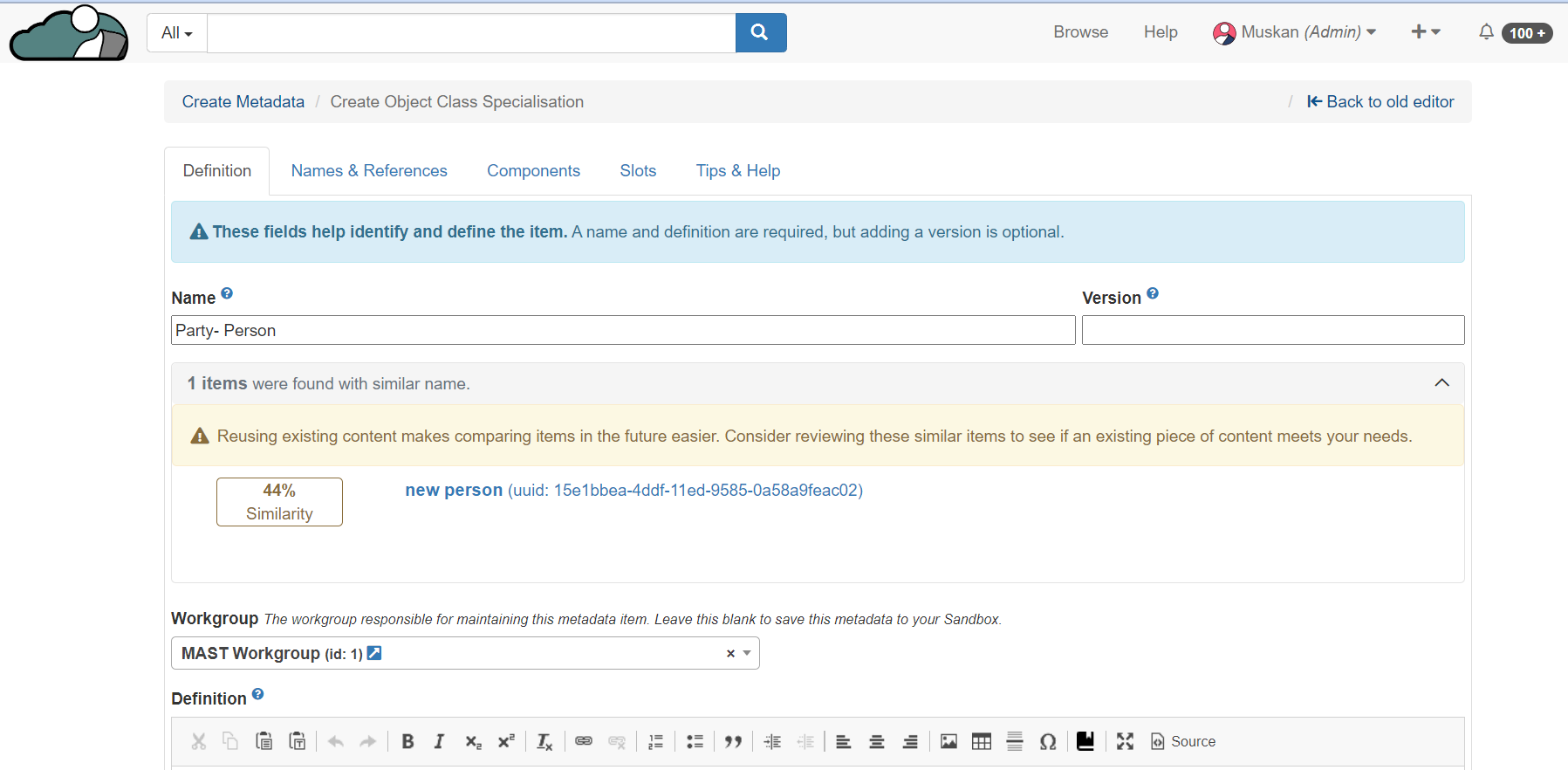
3. User can name and define the specialisation, and click on "Save Changes"
New object class specialisation is created in the Registry.
### How to add object class the Specialisation.
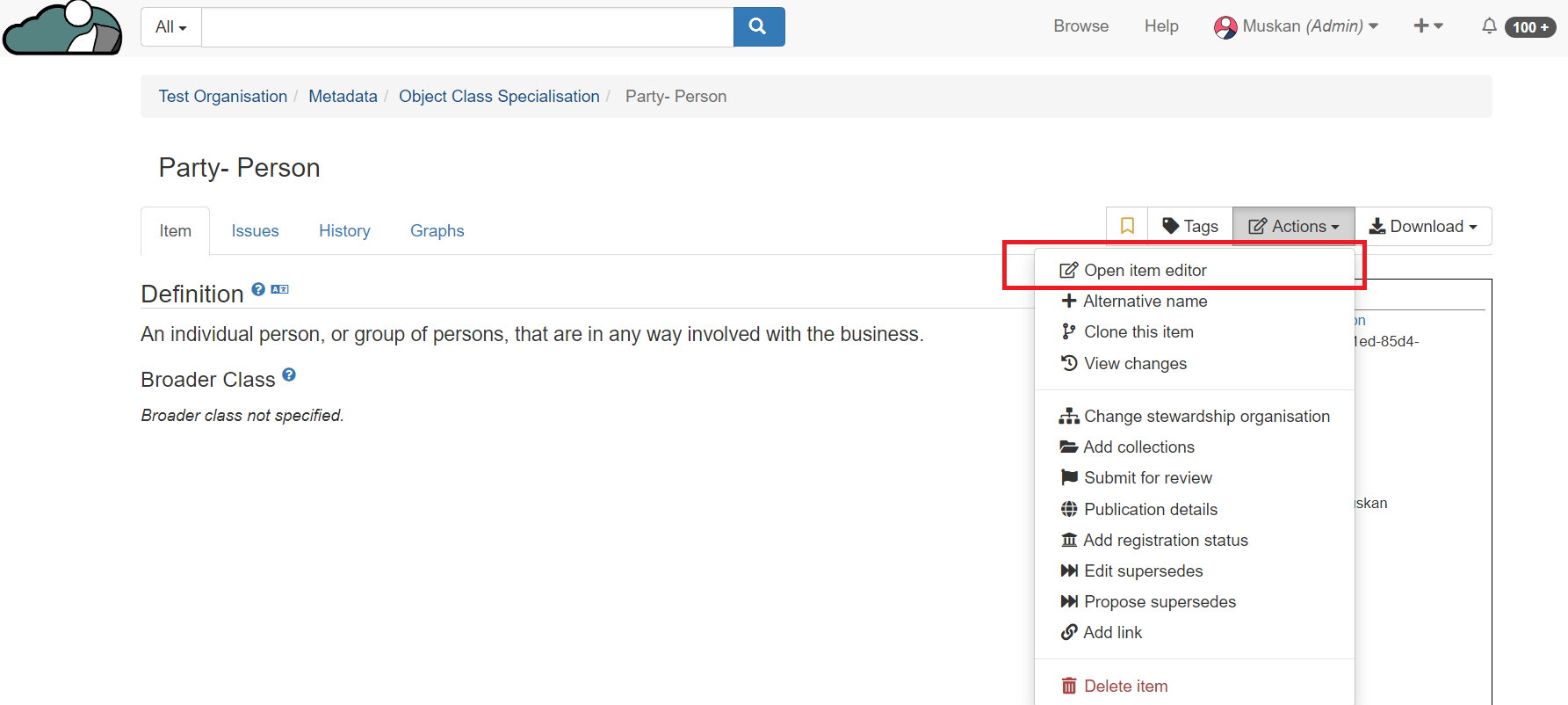
1. Go to the object class specialisation, click on open item editor under actions tab.
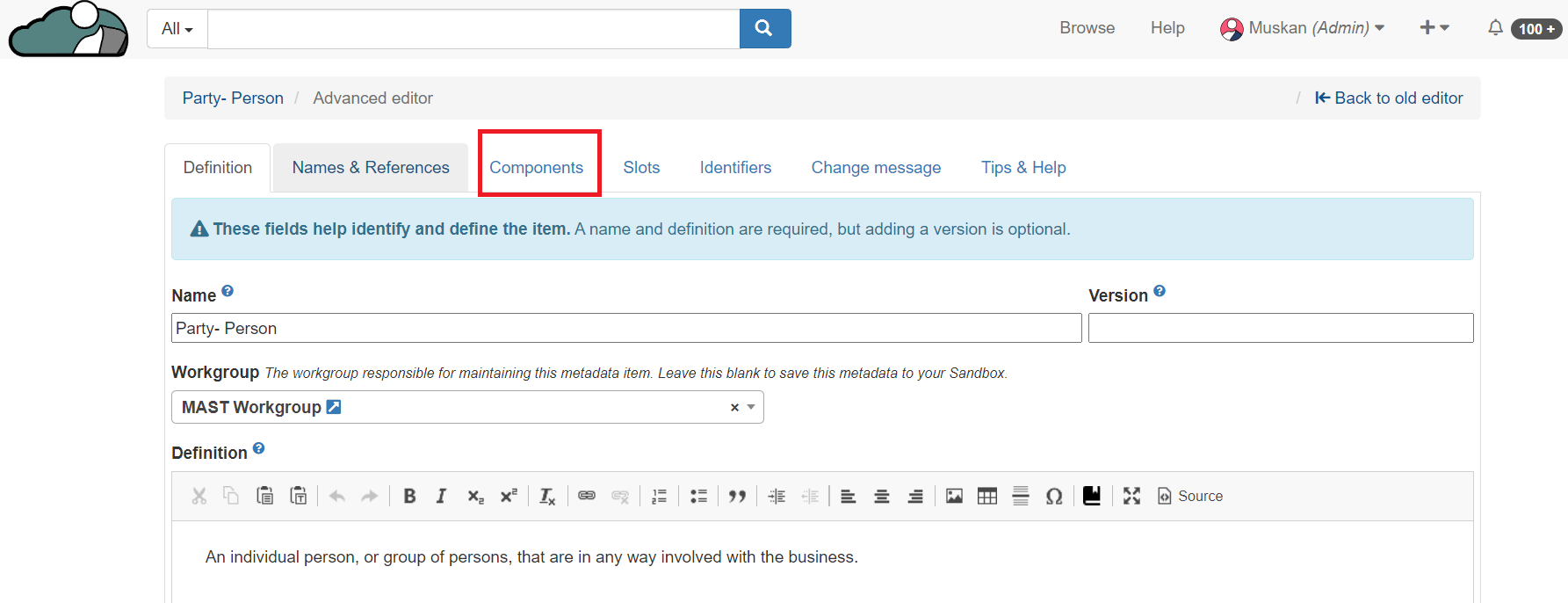
2. Navigate to components tab.
3. Under the Narrow class, Click on "Add" and select the object class from the drop down list.
Click on Save changes to attach the object class to its specialisation.